
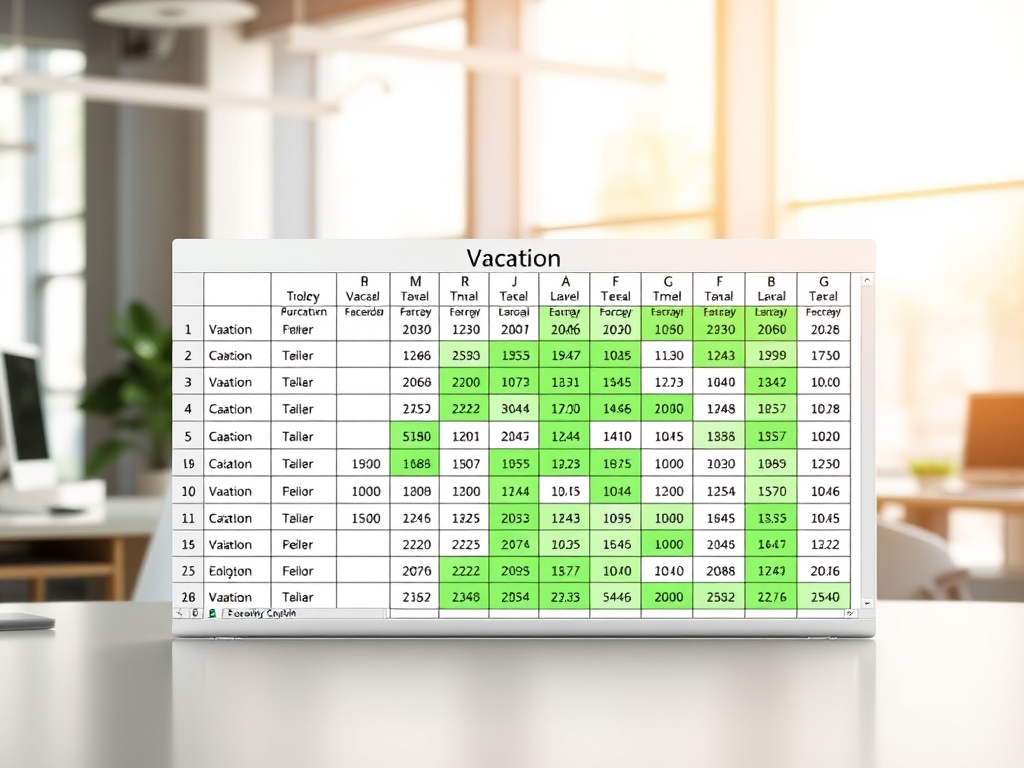
If you’ve ever managed vacation requests or resource planning in a large team, you know how tedious it can be to transform raw HR data into a format that project managers actually want—like a matrix showing every employee’s vacation days across the year. Recently, I decided to see if Microsoft Copilot could help me automate this process. Spoiler: it did, and it opened the door to even more automation possibilities!
The Challenge
Every year, our project managers need an Excel matrix where:
- Rows = Employees
- Columns = Every day of the year
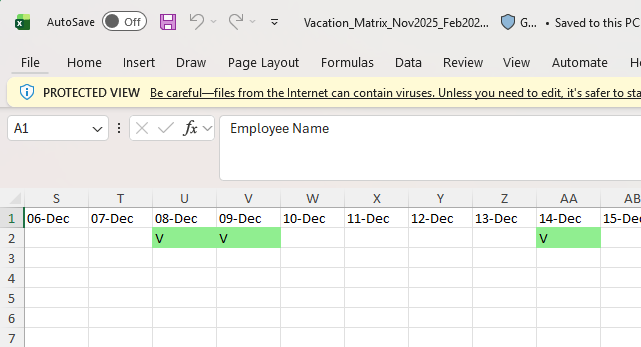
- Cells = Marked if the employee is on vacation that day
The HR system exports vacation requests in a detailed table, but not in this matrix format. Manually converting this data is time-consuming and error-prone.
My Copilot Journey
- Defining the Problem
I explained to Copilot that I wanted to transform an HR Excel export into a vacation matrix, with color-coded vacation days, for the entire year. - Uploading the Data
I uploaded my HR file, and Copilot quickly analyzed the structure—identifying columns like “Full Name,” “From Date,” “To Date,” and “Status.” - Iterative Automation
Copilot generated a Python script that:- Reads the HR data
- Filters only approved requests
- Expands each vacation period into individual days
- Creates a new Excel file with the matrix, marking vacation days in green
- Debugging Together
We refined the script through several iterations—fixing issues like date alignment, handling month boundaries, and ensuring the output matched real-world scenarios. Copilot was able to quickly adjust the logic based on my feedback. - Reusable Solution
In the end, I received a reusable script that I can run anytime, for any year, with just a few clicks. No more manual editing or formula headaches!
Taking Automation Further
What really impressed me was how easy it is to make this solution even more powerful and reusable:
- Python Script: The script Copilot generated can be reused for any HR file and any date range. Just update the input file and run—it’s that simple.
- Power Automate: Want to go no-code? You can set up a Power Automate flow to watch your OneDrive or SharePoint folder for new HR files and automatically run the script, delivering the finished matrix to your project managers without lifting a finger.
- Excel Macros: Prefer to stay in Excel? You can convert the logic into a macro, so anyone on your team can generate the matrix with a single click.
- Azure Functions or Logic Apps: For enterprise-scale automation, you can deploy the script as an Azure Function or Logic App, making it accessible via API or web interface.
The Result
Here’s the final output:
Why This Matters
With Copilot, I turned a boring, repetitive HR task into a one-click automation. This not only saves time but also reduces errors and lets me focus on more valuable work. And with the flexibility of Python, Power Automate, and other tools, you can scale this automation to fit any workflow or organization.
Ready to automate your own boring tasks?
Start with Copilot, and don’t be afraid to connect it with Python, Power Automate, or Azure—your future self will thank you!